
Orchard Tech / Technology reference
Technology,
made practical.
A practical guide to the tools behind our worker app and website: what runs on your phone, what connects to the website, and how the pieces work together.
01 / At a glance
A shared foundation.
Purposeful connections.
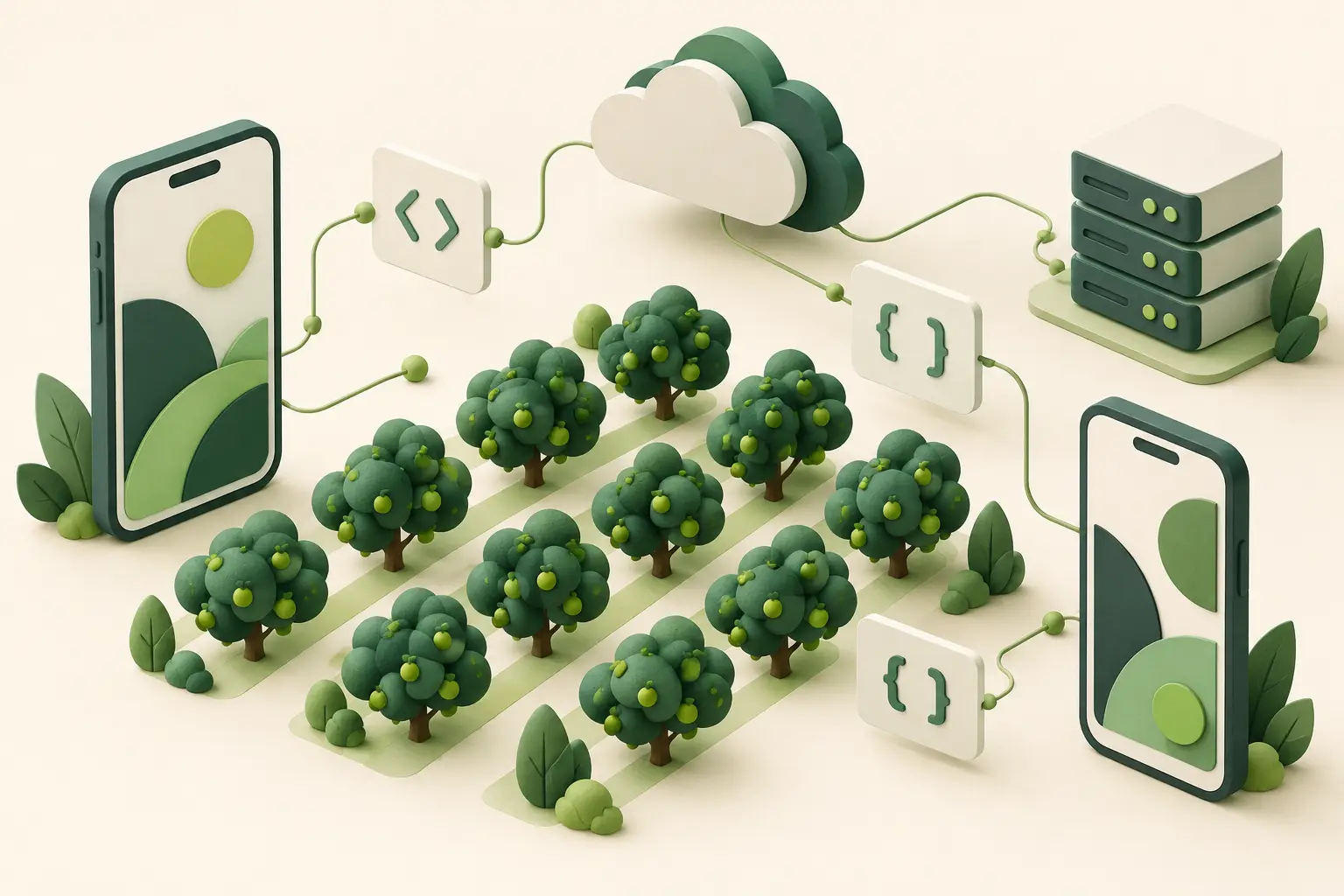
Each part has a specific job. The app presents information and manages personal records; the website supplies published content and receives messages or uploads when you choose to send them.
One shared app
TypeScript, HTML and CSS provide the common screens and behaviour.
Two native platforms
Capacitor connects those screens to iOS and Android device features.
A connected website
WordPress publishes guides and handles explicit worker submissions.
Records on your device
Personal timesheets and saved files stay local; backups are a separate action.
About the version numbers. Versions below describe the inspected technology snapshot on 21 October 2026. They are not a claim that every component is the newest available, or that a particular phone has installed a particular release.
03 / Native platforms
The phone’s own tools,
where they matter.
Document previews, file access and network transfers use platform facilities alongside the shared interface. A browser preview alone cannot establish how these features behave on a phone.
Native iPhone and iPad components
iOS: Swift & Apple frameworks
Swift implements the Apple-specific components. UIKit supplies native interface elements, Quick Look previews documents, and SafariServices opens web content in a system browser view. Foundation supports platform utilities, while URLSession handles native network transfers.
Native Android components · Java 21
Android: Java & AndroidX
Java and AndroidX provide the Android implementation around the shared interface. Android WebView renders the app screens. OkHttp 4.12 supports native HTTP transfers, while Android’s file and sharing facilities connect saved documents with compatible viewing and sharing applications.
04 / Website and hosting
Published information.
Explicit submissions.
The website connects workers with current material and staff-facing workflows. Its database is not an automatic copy of the app’s personal timesheet log.
Website application · Plugin 2.2.5
WordPress & the Orchard Tech plugin
WordPress manages published pages and document information. Orchard Tech’s PHP plugin connects worker-facing content and submission workflows to the app. Its stated PHP requirement is 8.2 or later; that requirement does not identify the server’s installed PHP version. jQuery also supports parts of the website interface.
The app–website connection
REST, HTTPS & JSON
The WordPress REST API exposes structured information over HTTPS, using JSON for data. The app can read its content catalogue and open published resources. Contact and Upload send information only through an explicit worker action; viewing the library does not submit a personal timesheet.
Existing WordPress storage
MySQL & server processing
MySQL holds WordPress posts, metadata and options. PHP’s GD image tools rebuild uploaded page images, and Fileinfo checks file types. WP Mail SMTP supports email handoff, while WP-Cron provides scheduled website tasks. An accepted handoff does not establish mailbox delivery or staff review.
Website hosting and edge services
WP Engine & Cloudflare
WP Engine provides the managed WordPress hosting environment. Cloudflare supplies the website’s edge layer, supporting delivery between visitors and the hosted site. These website services are separate from the personal timesheet records saved within the mobile app.
05 / Data, documents and PDFs
Know where
the information goes.
Local records, website content and submissions follow different paths. Keeping those distinctions clear matters more than the name of any individual library.
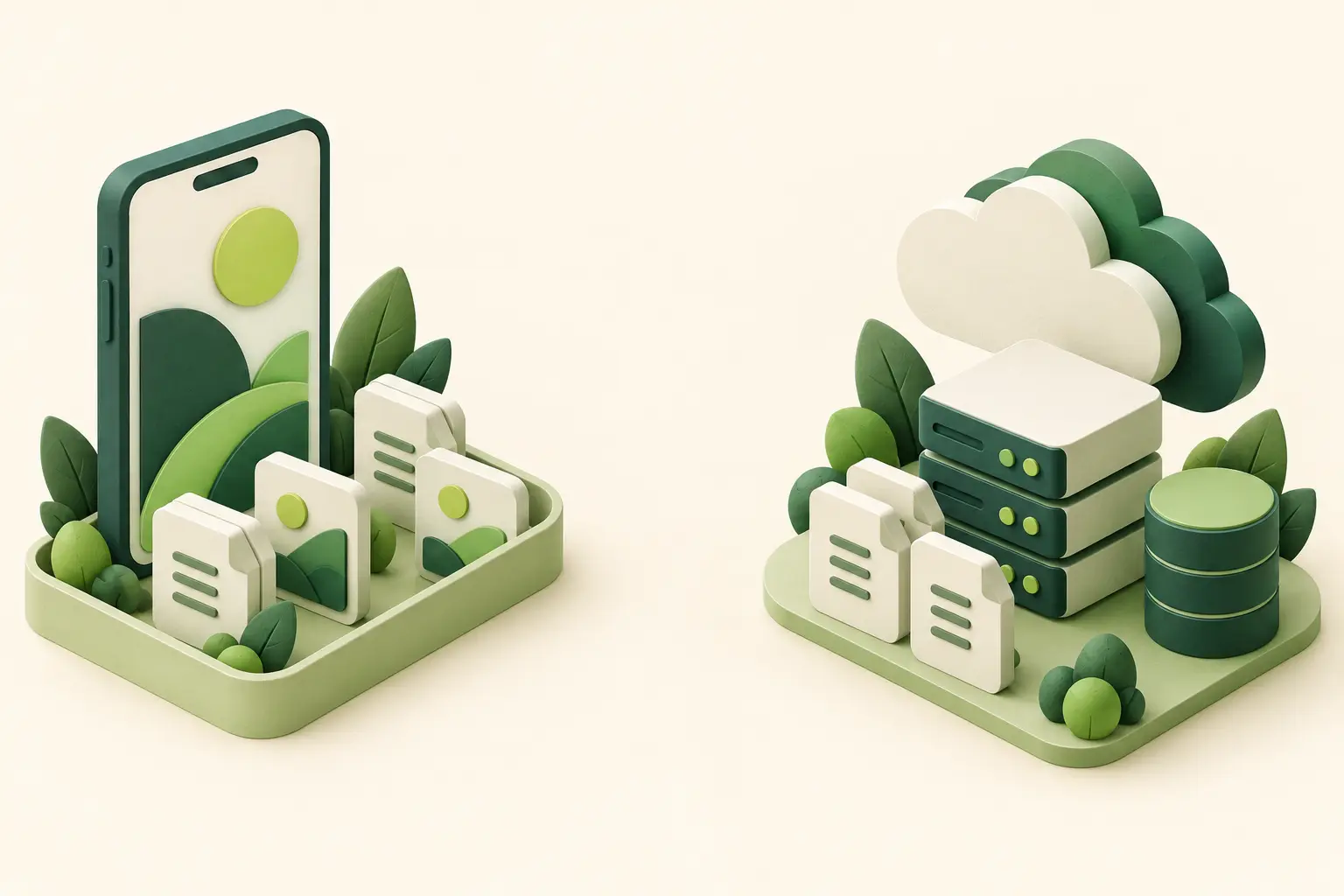
Three different paths for information
There is no automatic cloud synchronisation of personal timesheets in this design. Online guides and videos require a connection. A saved PDF is a separate local copy.
Local records and portable copies
Saved on your phone needs a backup plan.
Capacitor Preferences stores structured timesheet records using UserDefaults on iOS and SharedPreferences on Android. Private app files hold saved PDFs and paper-sheet photos. A manual JSON backup provides a separate restore copy; CSV and PDF exports provide readable or shareable records.
Saving locally is not the same as making a backup. Keep exported backup files somewhere private that you can still access if the phone is lost or replaced.
Reading pages · PDF.js 6.4.299
PDF.js, WebAssembly & Canvas
PDF.js interprets PDF documents, with bundled WebAssembly support for relevant processing. Canvas draws page images on the device. This lets the upload workflow prepare PDF pages as images for review before sending; the website receives those prepared pages.
Creating copies · pdf-lib 1.17.1 · fontkit 1.1.1
pdf-lib, fontkit & Noto Sans
pdf-lib creates PDF exports, with fontkit and Noto Sans supporting embedded text. Web Crypto SHA-256 calculates file fingerprints used for integrity checks. A matching hash checks bytes; it does not certify the accuracy, approval or meaning of a document.
| Language or format | Use in this system |
|---|---|
| English, Tongan & Malay | Language support varies by screen and resource. English remains authoritative. Some web guides pair English with Tongan; visible review notices still apply. |
| TypeScript / JavaScript | Shared app logic and interface behaviour. |
| Swift / Java / PHP | Apple components, Android components and WordPress server logic respectively. |
| SQL | Database queries used by WordPress to read and update its MySQL records. |
| HTML / CSS / JSON | Page structure, presentation and structured data exchange or backup. |
| PDF / CSV / JPEG / PNG | Readable exports, tabular copies and document page images. These formats have different purposes and are not interchangeable backups. |
06 / Build and quality
Checks across
the whole system.
A shared web interface, two native applications and a website need checks at their own boundaries. Each tool contributes a different kind of evidence.
From source to an application
Build tools
Node.js 22 and npm run the development tools and manage dependencies. Vite 8.2.2 prepares web assets. Xcode and Swift Package Manager build the Apple project. Android Studio, the Android SDK, Gradle 8.14.3, Android Gradle Plugin 8.13 and JDK 21 support Android builds.
Different checks for different layers
Automated and native checks
Vitest 4.1.11 and jsdom 27.4 support shared-code tests. XCTest covers Apple behaviour; JUnit, Espresso and MockWebServer support Android checks. Docker-based WordPress and MySQL environments, alongside PHP tests, exercise the server components separately.
People, source history and review
Development workflow
Git records source changes, and shell scripts make repeated checks and packaging steps consistent. Codex and Cursor assist development and review. They are development tools, not an AI service embedded in the worker app. Tests support assessment; they do not replace review of actual device behaviour.
07 / Plain-English glossary
A few useful terms.
Short explanations for the technical language used on this page. A handy reference when you need to understand how something works.
- WebView
- A system component that displays the app’s HTML, CSS and JavaScript inside a native application.
- Native bridge
- The connection that lets shared interface code ask an approved native component to perform a device task.
- REST API
- A structured way for the app and website to exchange requests and responses over the network.
- WebAssembly
- A compact executable format used by supporting browser-based processing components.
- SHA-256 hash
- A fingerprint calculated from file bytes, useful for checking whether a copy matches an expected file.
- Local storage
- Information held by the app on the device. A separate backup is needed to protect against losing access to that device.
- Database
- An organised collection of records. WordPress uses MySQL for website content and settings; personal app timesheets use separate local storage.
- SQL
- The language used to request and update records in a relational database such as MySQL.
- Hosting
- The servers and services that keep a website available online. WP Engine hosts the Orchard Tech WordPress website.
- Plugin
- A component that adds a particular capability to a larger application, such as WordPress or Capacitor.
- JSON
- A text format for structured information. It is used for API responses and the app’s manual backup files.
- Backup
- A separate copy kept so information can be restored. Saving a record on a phone does not by itself create an independent backup.
08 / Common questions
What this means
in everyday use.
The practical boundaries behind the technology.
Does my timesheet automatically go to Orchard Tech?
No. The personal timesheet log is saved locally. Exporting or making a backup is a separate action. Contact and Upload are explicit submission workflows; they do not automatically send your timesheet log.
What can I use without a connection?
Local timesheet features and supported documents already saved on the device can be used without a live website connection. Online guide pages, videos and new downloads need connectivity. Availability also depends on what has already been saved.
Does opening a guide confirm training or competence?
No. Reading a guide or watching a video is not evidence of completed practical training, assessment or permission to operate equipment. Follow your site induction and your supervisor’s instructions.
Is the worker app powered by an AI chatbot?
The technology described here uses Codex and Cursor to assist development. They are not runtime chatbots within the worker app. The app’s published learning content and record workflows remain distinct from those development tools.